

SportyBet App
Download official SportyBet App and get the best betting experience right from your phone!
- Mobile version
- Android
- iOS
- Cash out & partial Cash out
- Winning notifications
- Fast and user-friendly inderface
Quick info about Bookmaker:
| Platforms | Android, iOS |
| Android requirement | 7.0 or higher |
| Download source | sporty.bet/ghapp, or the App page on sportybet.com/gh |
| Google Play | Not listed |
| Price | Free |
| Language | English |
| Licence | Gaming Commission of Ghana No. 0000237 |
| Minimum deposit | GHS 1 |
| Minimum stake | GHS 0.1 |
| Payments in-app | MTN MoMo, Telecel, Airtel, Tigo, Visa, Mastercard |
| Sections | Sports, Live Betting, Games, Scheduled Virtuals, Jackpot, Lucky Numbers, SportyPicks |
| Age restriction | 18+ |
App screenshots:
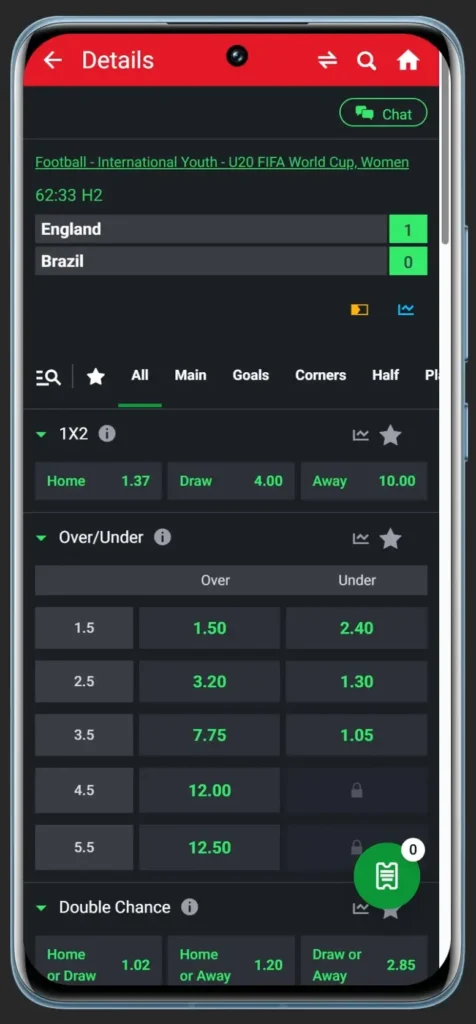
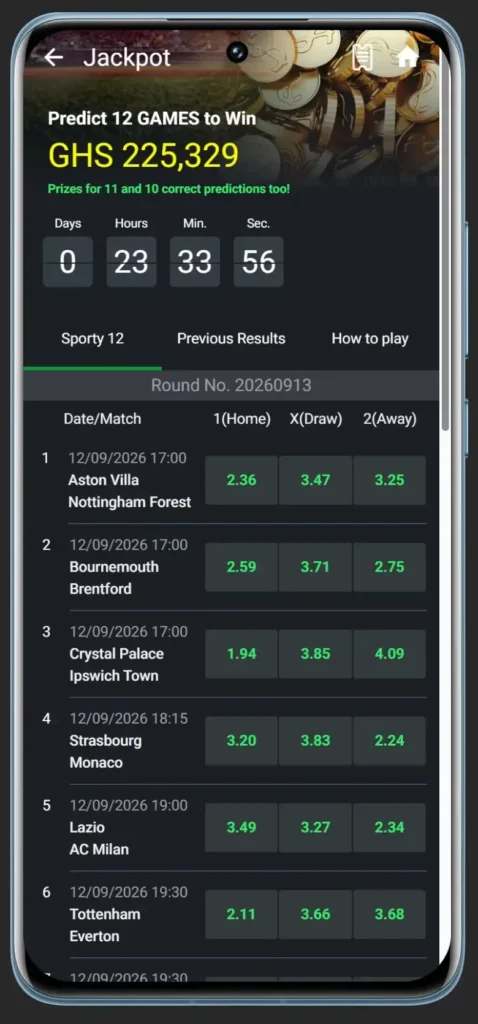
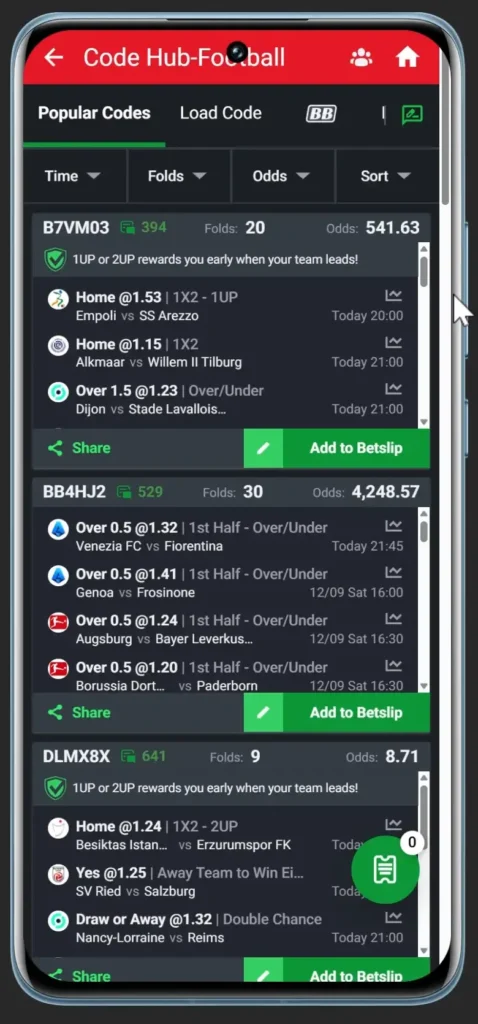
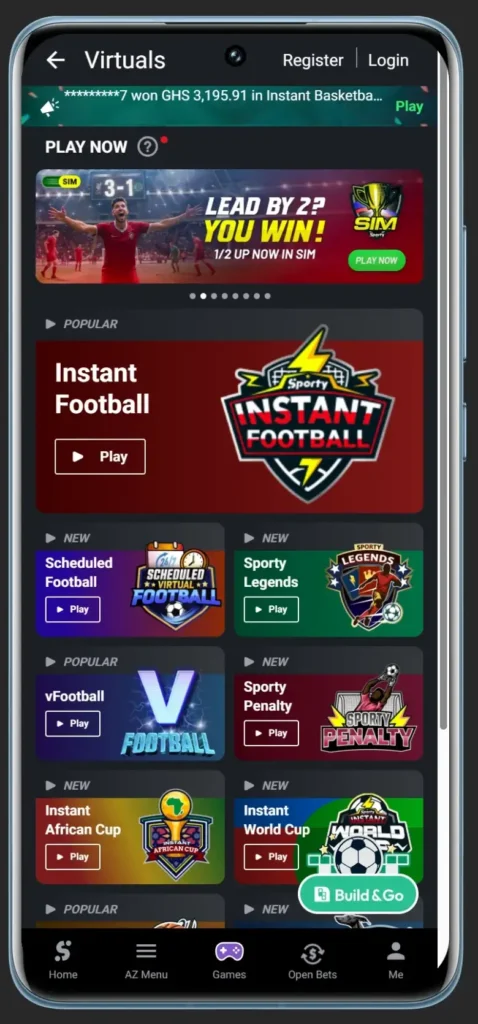
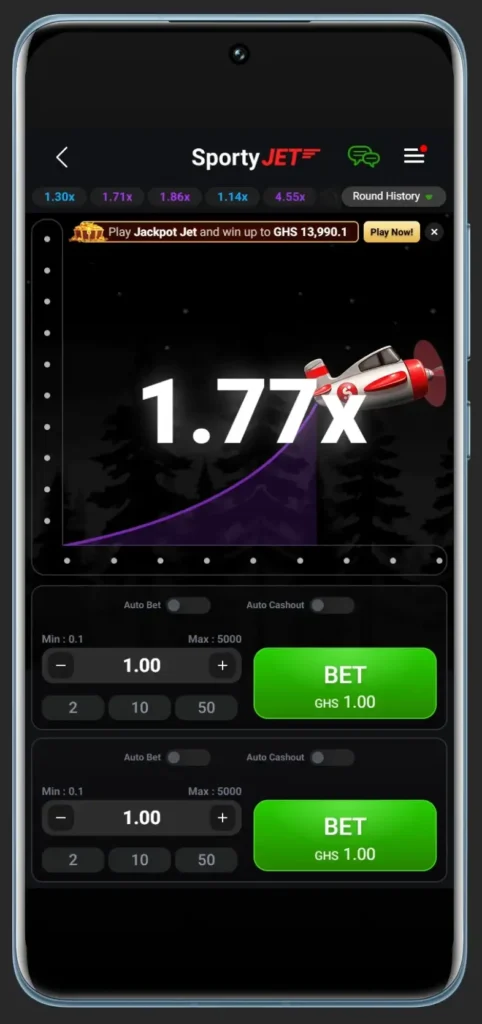
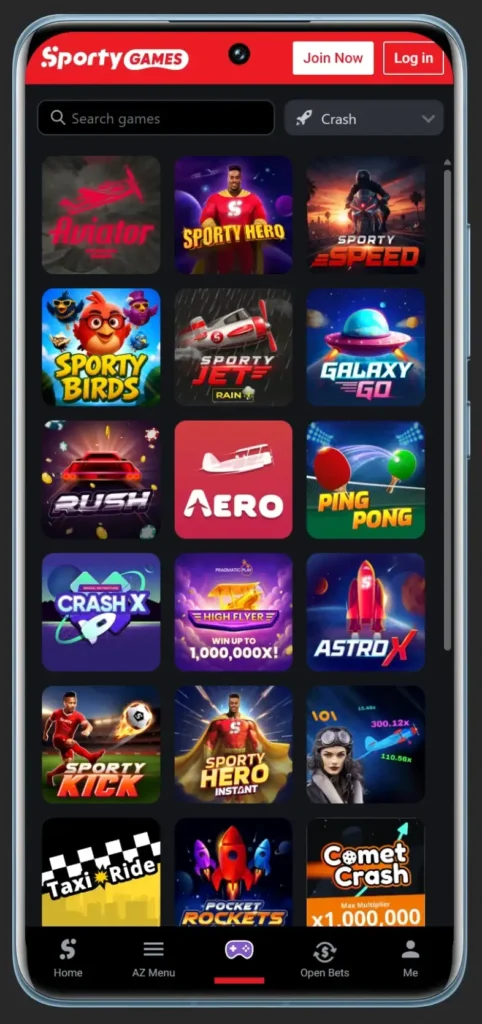
The SportyBet app is the same sportsbook you get in a browser, wrapped in a native shell. That sounds like a small distinction until you’ve reloaded the site over a weak signal three times in one evening. It isn’t on Google Play, which is standard for real-money betting apps, but users can download it directly from official website. The app runs on Android 7.0 and above, so a handset from 2016 will still take it.
How to Download the Android App
There are three official routes, and which one suits you depends on what you’re holding.
- From your phone. Type sporty.bet/ghapp straight into your mobile browser. The download starts immediately. This is the fastest method and the one to use if you’re already on the handset.
- By QR code. Open the App page on sportybet.com/gh from any screen and scan the code shown there with your phone camera.
- From a computer. The same page carries a Download Android for Free button. Save the file, then move it to your phone by cable, Bluetooth or your preferred transfer method.
Installation
Android blocks installs from outside the Play Store by default, so your browser needs permission to install apps before the file will open. Grant it in your phone’s settings, open the downloaded file, and confirm the install.
Updates work the same way. The app doesn’t refresh itself through a store, so a new version means downloading from the site again.
iOS
The same page carries a Download iOS for Free button, and an iPhone build exists. Installation on iOS doesn’t follow the Android route, and depending on your device and store region the process can differ. Given that the overwhelming majority of Ghanaian traffic runs on Android, this is the shorter path in every sense.
What Actually Changes in the App
Set expectations correctly first: the odds, markets, limits, promotions and your account are identical to the website. There’s no separate app-only price and no separate balance. Anyone hoping the app unlocks a different product will be disappointed.
What changes is how the platform behaves on a phone.
Requirements and Common Problems
- Android below 7.0. The app won’t install. The mobile site remains fully usable, so this isn’t a dead end.
- The install won’t start. Your browser doesn’t have permission to install apps. Grant it in phone settings, then reopen the downloaded file.
- No notifications arriving. Check that notification permission is enabled for SportyBet in your phone’s app settings. It’s the most common cause, and the app’s main advantage is worthless without it.
- The app feels out of date. There’s no automatic update. Download the current build from sporty.bet/ghapp and install over the top.
- A deposit inside the app fails. Deposits must come from the mobile number registered to your account. A different number will not credit your balance.
Frequently asked questions
Can I download SportyBet app from Google Play?
No. Google doesn’t list real-money betting apps in most markets, so the APK comes directly from SportyBet’s site.
Do I need a separate account for the app?
No. It’s the same account, same balance and same bet history as the website. Log in with your registered number.
Is there a bonus for installing the app?
No, there is no bonus for installing the app.